

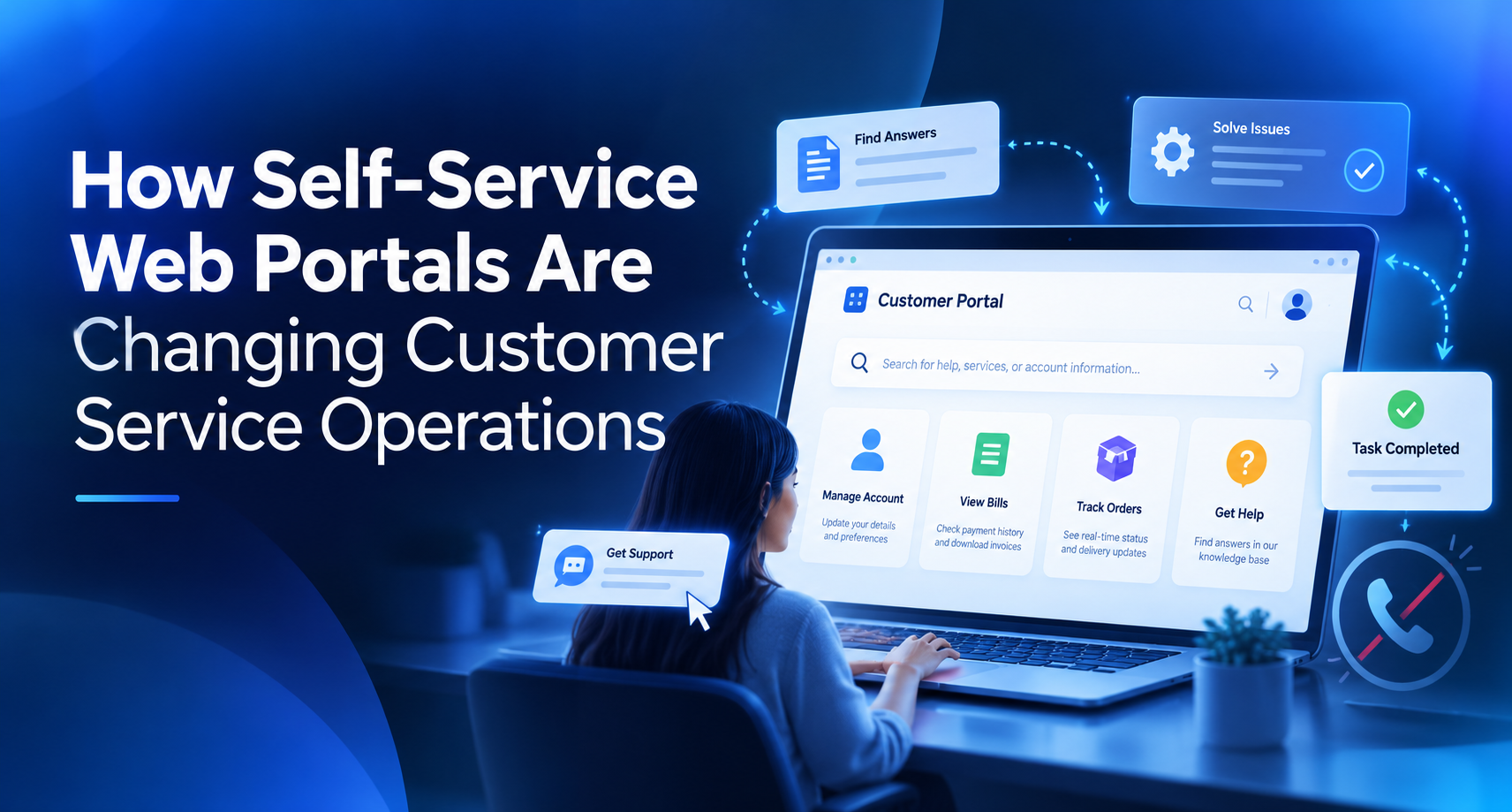
Customer expectations have shifted faster than most support teams can hire. People want to check an order status at midnight, update billing details without waiting on hold, and find answers in seconds. As a business grows, so does the volume of these requests, and hiring more agents to answer the same questions repeatedly is neither affordable nor sustainable.
This is where self-service web portals have moved from a nice-to-have to a core part of customer service operations. But a portal is only as good as the technology underneath it. Many companies launch a basic help center or customer login area, only to watch it slow down, break during traffic spikes, or fall out of sync with backend systems. That is why more organizations are investing in custom web application development services to build portals around their actual workflows instead of forcing processes into rigid off-the-shelf templates.
The biggest growth bottlenecks rarely come from how a portal looks. They come from how it is built. Disconnected databases, hard-coded integrations, and systems never designed for thousands of simultaneous users create friction customers feel immediately. Pages load slowly, account data goes stale, and frustrated users end up calling support anyway, which defeats the purpose of self-service.
Table of Contents
What Defines an Enterprise-Grade Self-Service Portal
Enterprise-grade does not mean big or expensive. It describes a set of qualities that let a portal serve customers reliably as demand grows. Because modern portals increasingly depend on intelligent features like automated ticket routing, smart search, and knowledge-trained chatbots, many businesses now pair portal builds with custom AI software development services tailored to their data and support processes.
Five qualities separate a portal that scales from one that becomes a liability.
Scalability
A portal should serve 500 users on a quiet afternoon and 50,000 during a product launch or billing cycle without slowing down. Scalability means capacity can expand on demand instead of requiring a rebuild every time the business grows.
Security
Self-service portals hold sensitive information such as account details, payment history, contracts, and personal data. Enterprise-grade portals use strong authentication, role-based access, encryption, and regular security testing. In regulated industries like healthcare and finance, they must also support compliance requirements from day one.
Performance
Customers judge a portal in seconds. If a knowledge base search drags or an invoice download stalls, they abandon it and pick up the phone. Fast, responsive interactions are what allow self-service to actually reduce support volume.
Reliability
A portal that fails during peak hours can do more damage than having no portal at all, because customers stop trusting it. Reliability comes from redundancy, active monitoring, and graceful failure handling, so one broken component does not take the entire experience offline.
Integration Capabilities
A portal’s real value comes from what it connects to. When it pulls live data from your CRM, ERP, billing platform, and ticketing system, customers see accurate information and complete tasks on their own. Without integration, a portal is just a static website with a login screen.
Key Pillars for Long-Term Growth
Modular Architecture: Microservices vs. Monolith
A monolithic portal bundles every function, from login to billing to ticketing, into a single codebase. That can work for an early launch, but every update risks breaking something unrelated, and scaling one busy feature means scaling everything.
A microservices approach splits the portal into independent services. The billing module can scale during month-end without touching the knowledge base, and teams can update ticket workflows without redeploying the whole system. Not every business needs full microservices on day one, but a modular structure keeps that path open.
Cloud-Native Development
Cloud-native portals rely on managed infrastructure, containers, and auto-scaling, so capacity adjusts to real demand. This removes the guesswork of provisioning for peak traffic and makes frequent updates possible with minimal downtime.
Data-Driven Decision Making
Every search, click, and abandoned form inside a portal is a signal. Which help articles get read most? Where do users give up and open a ticket instead? A well-built portal captures these patterns in dashboards, helping support leaders fix content gaps and process friction based on evidence rather than assumptions.
Automation and AI Readiness
Even if AI is not on this year’s roadmap, the portal should be ready for it. That means clean, structured data, well-documented APIs, and a knowledge base organized clearly enough to train an assistant on. Businesses that plan for this early can later add automated case classification, suggested answers, and conversational support without re-architecting.
Common Mistakes Businesses Make
Short-Term Development Mindset
Many portals are built to solve this quarter’s problem. A quick FAQ page with a contact form may reduce calls briefly, but it rarely evolves into a true self-service channel. Treating the portal as a long-term product, with a roadmap and clear ownership, changes the outcome.
Ignoring Scalability Early
It is tempting to postpone scalability until traffic justifies it. The catch is that retrofitting scalability into a portal never designed for it usually costs more than building it in from the start. Decisions about data structure, caching, and service boundaries are inexpensive early and painful later.
Choosing the Wrong Tech Stack
Selecting a framework because it is trendy, or because one developer prefers it, can lock a business into tools that are hard to hire for, poorly supported, or weak at integration. The right stack depends on existing systems, security needs, expected growth, and the talent available to maintain it long term.
Best Practices for Building Future-Ready Self-Service Portals
Plan Strategically Before Development Begins
Start by mapping the customer journeys that generate the most support contacts. Password resets, order tracking, invoice requests, and appointment changes are common candidates. Then define which tasks the portal must handle, which systems it needs to connect to, and how success will be measured, whether through ticket deflection rate, resolution time, or customer satisfaction scores.
Choose the Right Development Partner
The partner you select shapes the architecture you will live with for years. Look for a team that asks about business goals before discussing technology, has proven experience integrating with enterprise systems, and can explain trade-offs in plain language.
NewAgeSysIT, a custom software development company headquartered in New Jersey, is one example of a firm that works across web, mobile, cloud, and AI integration projects of this kind. The company primarily serves businesses throughout the United States, where demand for scalable, customer-facing platforms continues to rise. Whichever partner you consider, ask how they have handled integration and scaling challenges on past projects.
Optimize and Iterate Continuously
A portal is never truly finished. Review analytics regularly, update knowledge base content based on failed searches, and gather feedback directly inside the portal. Small, consistent improvements compound over time and keep the portal aligned with how customers actually behave.
Real-World Use Case: Rebuilding a Distributor’s Customer Portal
Consider a scenario common among mid-sized B2B distributors. The company has a basic customer login where clients can view past orders, but data syncs from its ERP only once a day. Customers still call to confirm stock levels, check shipment status, and request invoice copies. As the client base grows, the support team spends most of its day answering questions the portal should already handle.
The company rebuilds the portal on a modular, cloud-based architecture with real-time connections to its ERP, shipping carriers, and billing system. Order tracking, invoice downloads, and reorders become fully self-service, while a searchable knowledge base covers common product questions. Usage data reveals which topics still drive calls, so the team adds content and automated workflows to close those gaps.
The outcome is a support team that moves from repetitive status updates to complex, higher-value cases, and a portal that absorbs new customers without proportional increases in headcount. Just as important, the modular foundation means the company can later add an AI assistant or mobile app without starting over.
Conclusion
Self-service web portals are transforming customer service from a cost center that grows with every new customer into a scalable channel that improves with use. Those benefits only last, however, when the portal is built on a solid foundation of scalable infrastructure, strong security, dependable performance, and deep integration with the systems that run the business.
For decision-makers, the question is no longer whether to offer self-service, but how to build it so it keeps delivering value as the company grows. Investing in thoughtful architecture, careful planning, and ongoing optimization today prevents costly rebuilds tomorrow and gives customers an experience that earns their trust and loyalty.