

Download eFootball PES 2027 PPSSPP – PSP ISO, PS5 Camera, Save Data, Texture Files for Android with the latest updated player squads, team kits, club logos, player appearances, stadium graphics, and improved camera views.
eFootball PES 2027 PPSSPP is one of the best soccer games among football lovers. With the PSP emulator, you can enjoy classic football gameplay on any version of Android device smoothly by downloading any PSP emulator.
PES 2027 PPSSPP is a fan-made modification of Evolution Soccer PSP games. These games include updated kits, new player faces, team rosters, career modes, player squads, and it’s more realistic, just like you are playing a real football game on your phone.
From stadium grass to players to background music, everything is realistic for a football theme, which you can feel even better when you play the game.
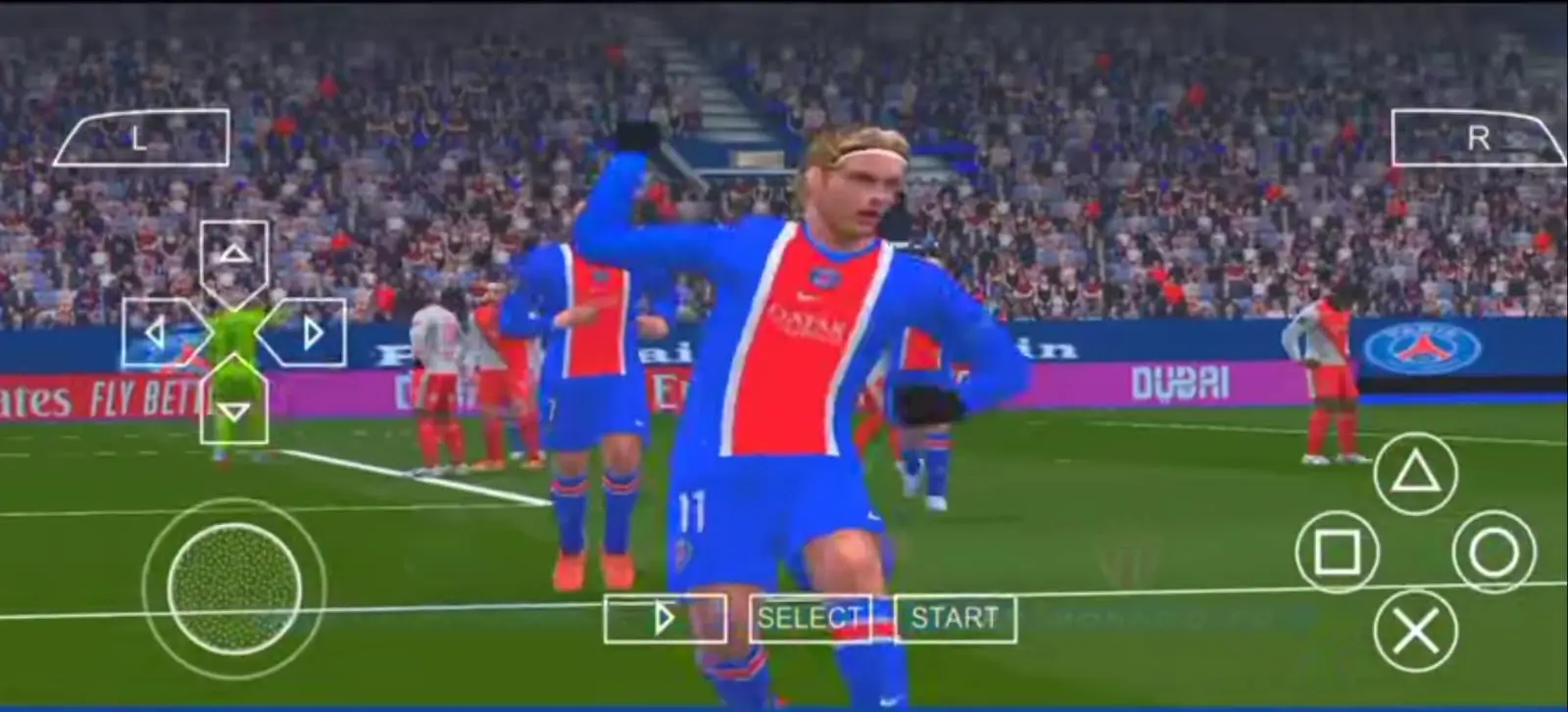
Table of Contents
Features of eFootball PES 2027 PPSSPP
- Game Modes: Free access to Kick Off, Become a Legend, Master League, World Cup, and Champions League matches without any subscription.
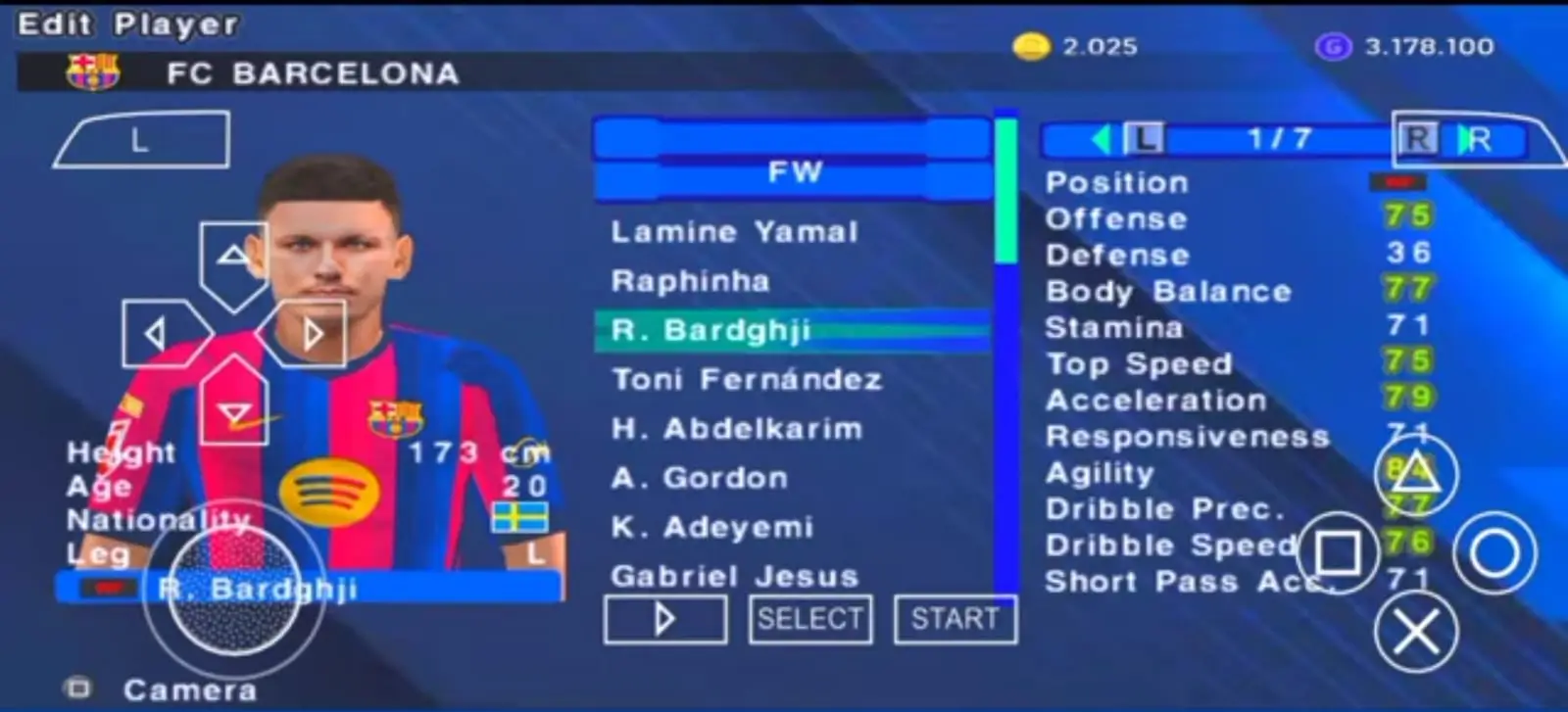
- Transfers, Kits & Leagues: Latest player transfers, current season league updates, and brand-new club kits.
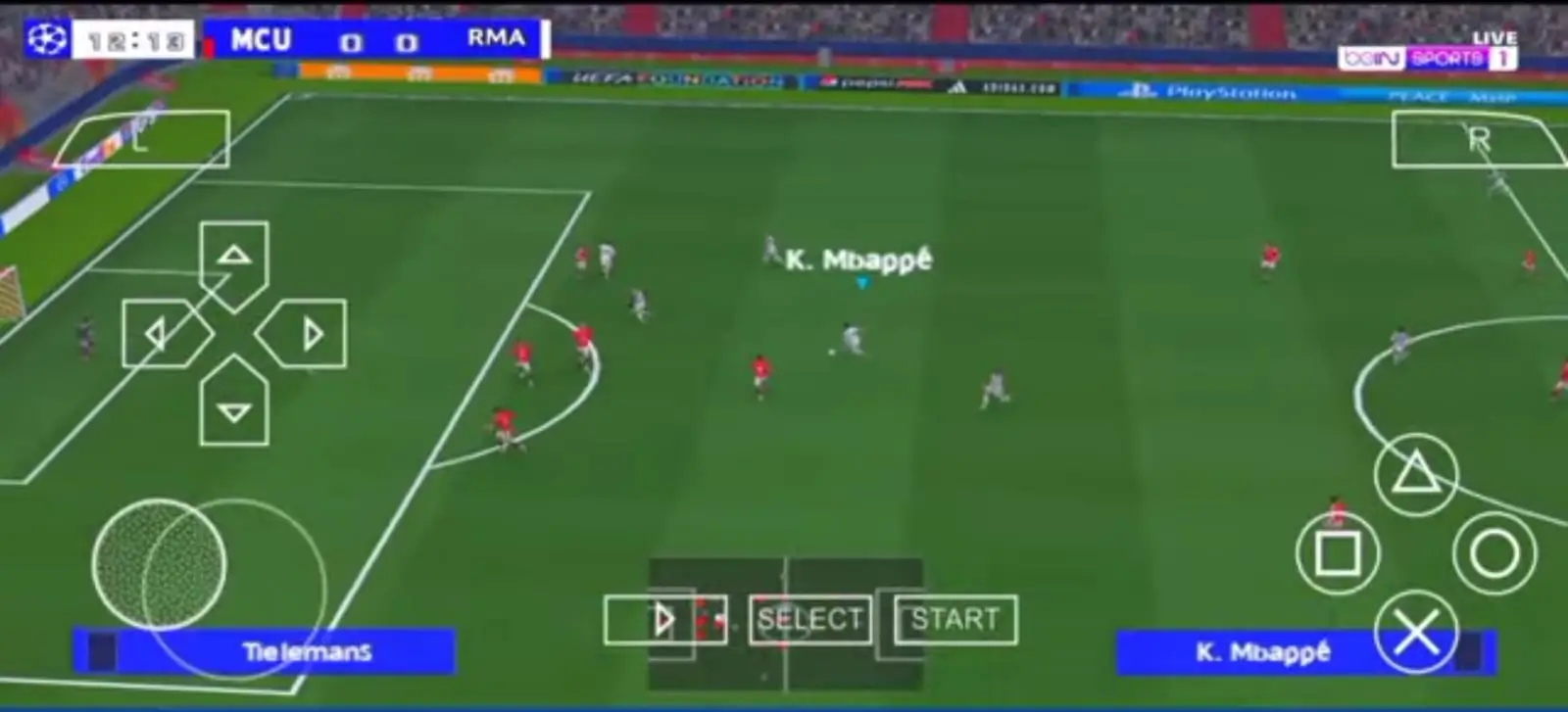
- Champions League Update: Updated to the new format, complete with refreshed kits, logos, and tournament themes.
- Graphics & Stadiums: Realistic player faces, updated stadium grass, and new stadium emblems and logos matching the season’s background theme.
- Audio & Commentary: Updated player call names reacting to pitch action, crowd chants in the background, and main menu background music.
- Camera Options: Available in two display choices: PS5 Camera edition or Normal Camera edition.
- Controls & Performance: Smooth, lag-free touch controls (requires a device with at least 3 GB RAM for smooth gameplay).
- Setup & Compatibility: Runs on Android using the PPSSPP emulator (version 1.8.1 or higher recommended). ISO, Save Data, and Textures are combined into a single PSP folder for easy extraction.
- Language Editions: Available in standard and optional Spanish editions.
eFootball PES 2027 PPSSPP Game Information
| Information | Details |
|---|---|
| Game Name | eFootball PES 2027 |
| Mod Version | 2027 |
| Platform | Android / PSP Emulator |
| Emulator | PPSSPP |
| Additional Files | Save Data, Textures & Camera Files |
| Developer | Fan-made modification |
Download Football PES 2027 – PSP Game File
How to Install eFootball PES 2027 PPSSPP on Android
Step 1: Install ZArchiver and PPSSPP
Install the ZArchiver app and the PPSSPP emulator on your Android smartphone. Open PPSSPP once to allow it to create its required folders.
Step 2: Locate the PES 2027 RAR File
Open ZArchiver and locate the downloaded eFootball PES 2027 PPSSPP RAR file in your device storage.
Step 3: Select the RAR File
Tap the PES 2027 RAR file. An options menu will appear on your screen.
Step 4: Choose Extract
From the options menu, select Extract to choose the destination folder.
Step 5: Select Device Memory
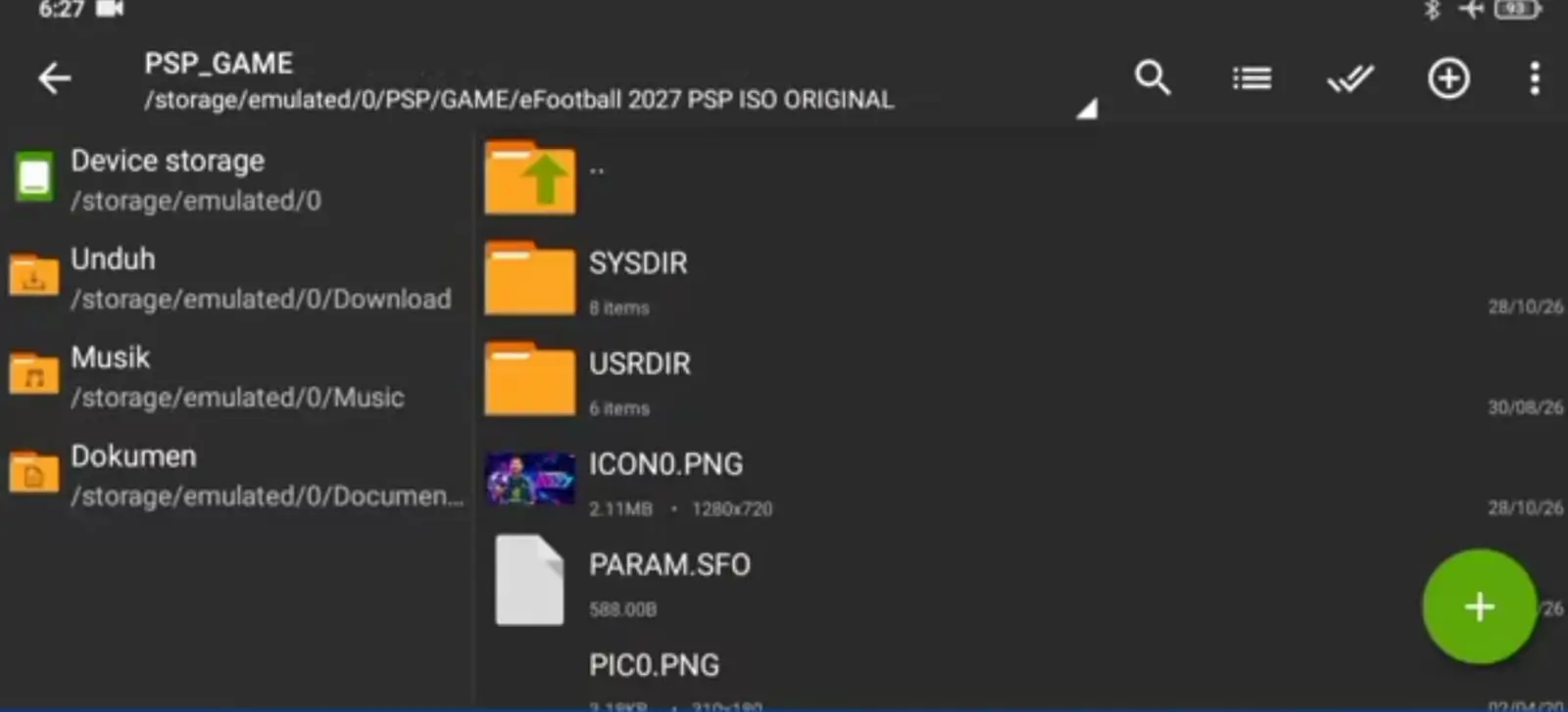
Tap 0/Storage/Emulated at the top of the ZArchiver interface. From the drop-down menu, select Device Memory.
- Move the Save Data folder to: Android > PSP > SAVE_DATA
- Move the Textures folder to: Android > PSP > TEXTURES
Step 6: Start Extraction
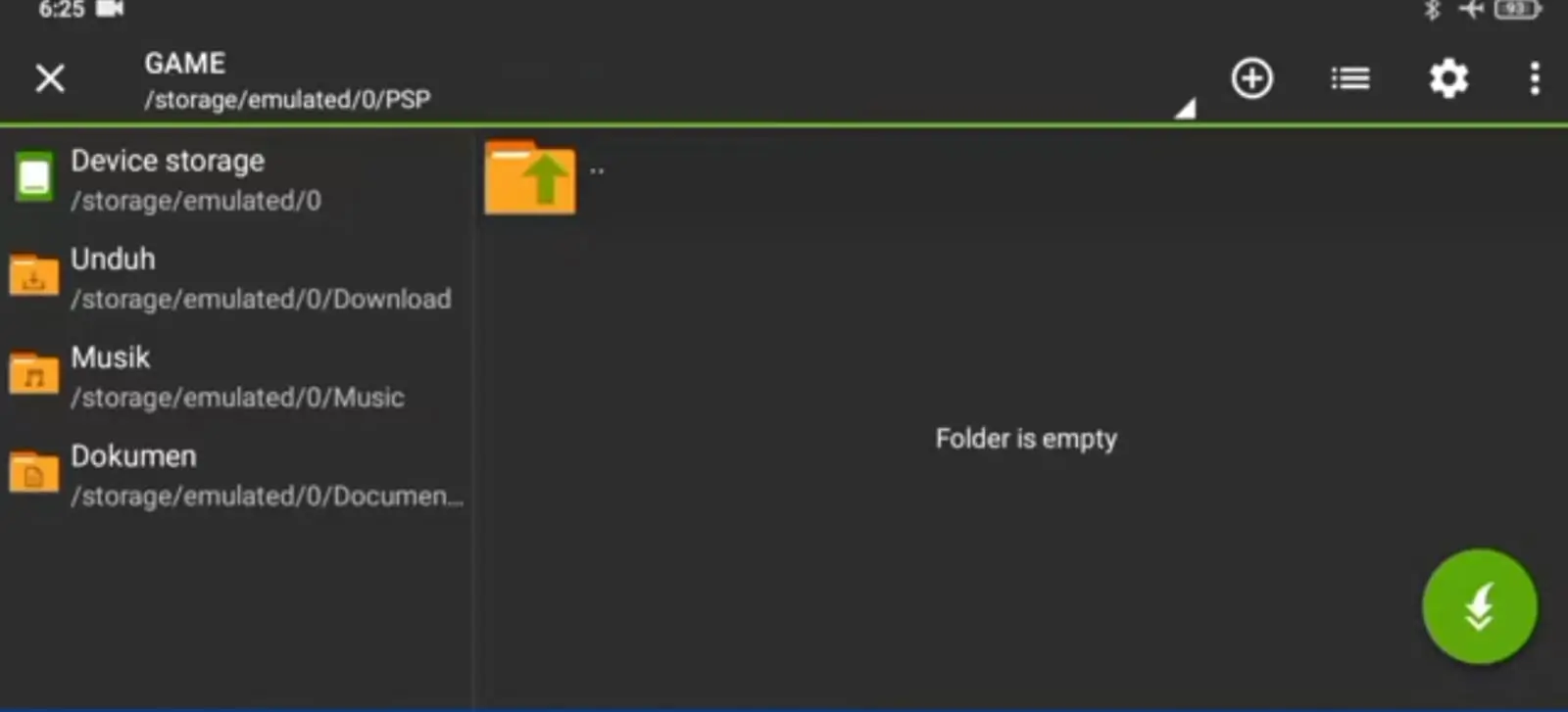
Wait for the extraction screen to appear and tap the Extract icon, which looks like an arrow pointing downwards.
Step 7: Wait for Extraction to Complete
Wait until the extraction process reaches 100%. The PSP folder and the supplied game files will be extracted according to the archive’s folder structure.
Step 8: Open PPSSPP and Play
Open the PPSSPP emulator, locate the extracted PSP folder, find the PES 2027 ISO file, and select it to start playing.
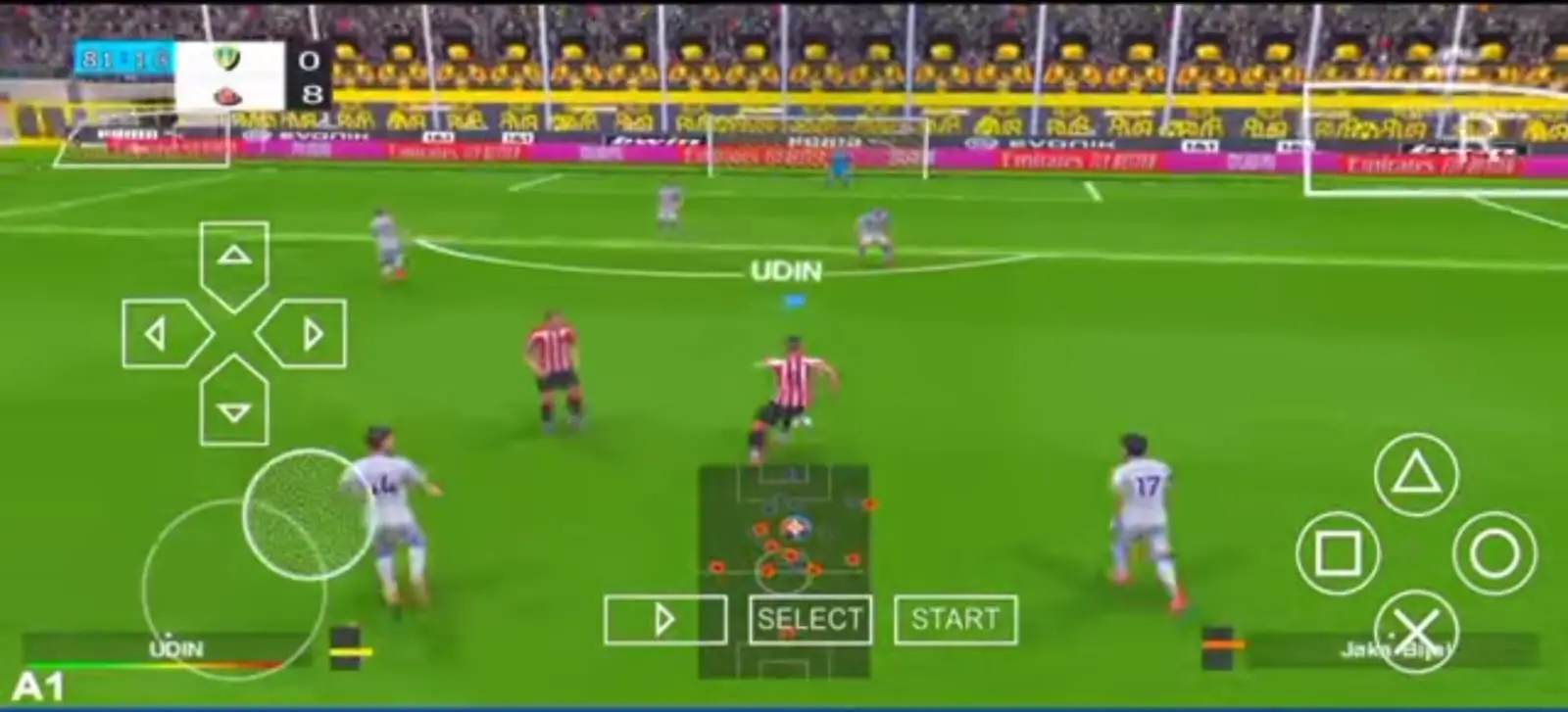
GamePlay Screenshots
Conclusion
eFootball PES 2027 PPSSPP – PSP ISO, Save Data, Textures, and Camera Files is a fan-made football modification for Android games for those who love to play classic PSP football gameplay with updated graphics and customisation.
With game files, updated Save Data, replacement Textures, and Camera Files, you can customise the football experience through the PPSSPP emulator.